
AI inside your product, or working alongside it?
The useful question is where people can complete the work with the right information, permissions and control.
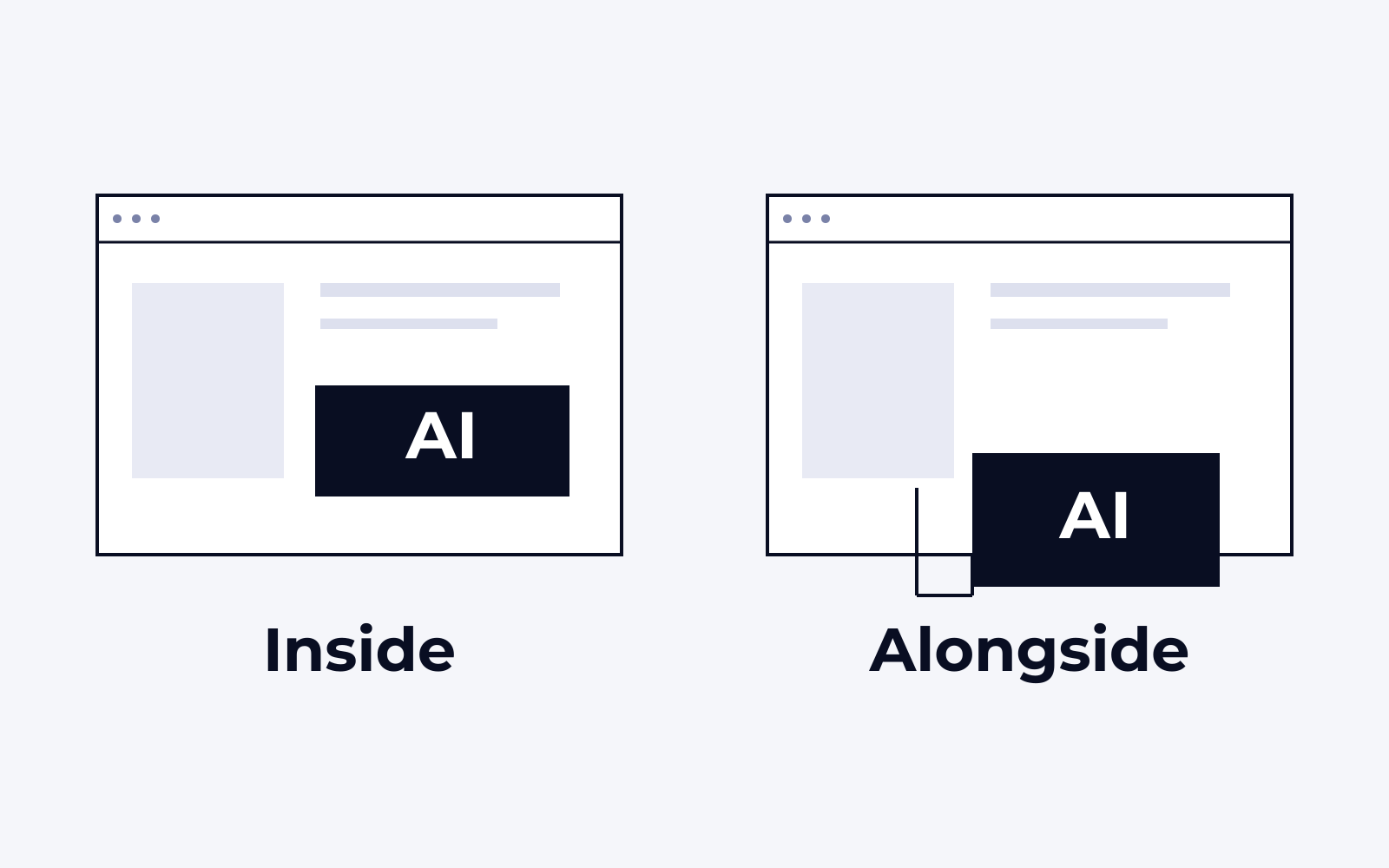
Embed AI in a product when people need it to act on that product’s records, permissions and tasks. Put assistance across systems when the work begins in one application and ends in another. In either case, design the review and failure paths before deciding that chat is the right interface.
Describe a completed task.
Start with a sentence someone doing the work would recognize: prepare an intake from this email, explain the exceptions in this order, or help a customer find the right product. Identify the starting information, the destination, the person responsible and what counts as complete.
Then follow one ordinary example and one difficult exception. You will learn more from a missing attachment, an ambiguous customer name or an unavailable field than from a polished conversation that always receives perfect inputs.
Put the experience where the work belongs.
AI inside a product makes sense when the task is closely tied to that product's records and actions. A user can inspect the relevant information, accept a suggestion and continue in a familiar workflow. This approach also gives the product team responsibility for the experience, permission model and release process.
An assistant alongside existing systems can make sense when the work crosses applications. The useful unit might be an email, a document and a destination record, rather than a single product screen. The assistant still needs approved access and clearly defined actions. A conversational interface does not remove those requirements.
Sometimes the best first release combines the two: preparation happens across connected systems, while the user reviews the result in the application that owns the work. There is no requirement to turn every step into chat.
Check what you can configure before you build.
Test the existing software's native capability against the same task before commissioning a separate assistant. A configured feature can reduce integration and support work when it respects the required permissions, exposes the evidence and fits the review process. A custom build is easier to justify when the work crosses systems or the product cannot support a necessary decision.
Compare total effort, including configuration, data preparation, user training, evaluation and ongoing support. Ask each option to complete the same ordinary case and the same difficult exception. A feature list or a polished demonstration will not show the cost of the work left to the operator.
Separate reading from acting.
Retrieving information, generating a suggestion and changing a record are different permissions. Define each deliberately. Which source is authoritative? Which fields may be written? Can the system create a draft or a final record? Who can correct it? What happens if the connection fails after only part of the work is complete?
The answers should shape the interface as well as the integration. People need to recognize generated information, understand its source and know what has already happened. An approval button is useful only when the reviewer has enough context to make the decision.
Make the first release inspectable.
In Xivic’s legal intake work, information moves from Microsoft 365 email and documents into a structured Salesforce/Litify intake. The implementation creates the record; the intake team then reviews and corrects it before deciding how it proceeds.
The workflow was deployed for client testing. Its next evaluation needs to examine the work left for the reviewer: missing fields, corrections, processing failures and time to a completed intake. Those results determine whether the interface helps the team finish the task.
Decide with a small, representative scope.
Before committing to a broad AI roadmap, choose a task with representative source records, an accountable owner and a measurable burden. Compare the implementation choices against data access, user effort, failure handling and ongoing maintenance. Test the difficult inputs alongside the easy ones.
The first release should answer a business question: can people complete this work more reliably or with less effort? Once you can see that result, you can decide whether to expand the assistant, embed the capability more deeply or improve the surrounding workflow.
Where should AI fit in your workflow?
Bring one real task, the systems it touches and the decisions people need to retain.