

Start a conversation
UX/UI & Design Systems

Make complex tasks feel clear.

Design websites, products, portals and employee tools around what people need to do. We organize the information and workflow, resolve the difficult moments and carry that clarity into interfaces the engineering team can build.

What we deliver

Design the whole task, including the exceptions.

People need useful next steps when information is missing, access is limited or something goes wrong. Those moments belong in the design alongside the main customer or employee journey.

  1. Journeys and information architecture

    Map how customers choose, buy or manage services and how employees complete operational work. Resolve navigation, roles, handoffs and difficult task sequences.

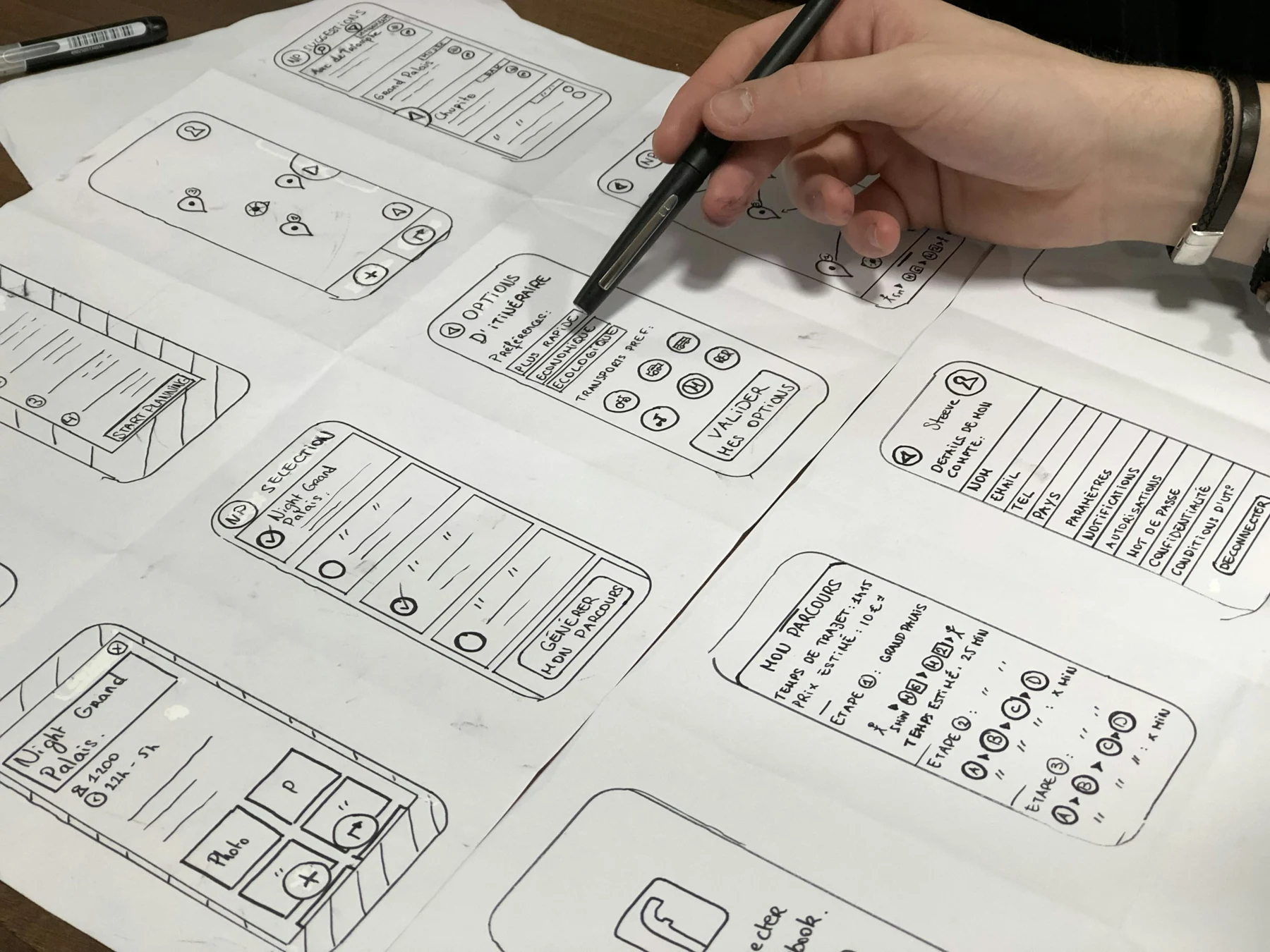
  2. Prototypes and interface design

    Define screens, content hierarchy and interaction behavior. Include error, empty, loading and permission states, with accessibility considered throughout.

  3. Components and an implementation handoff

    Create reusable patterns at the scale the product needs. Document component states, content requirements and behavior, then review the implemented experience with engineering.

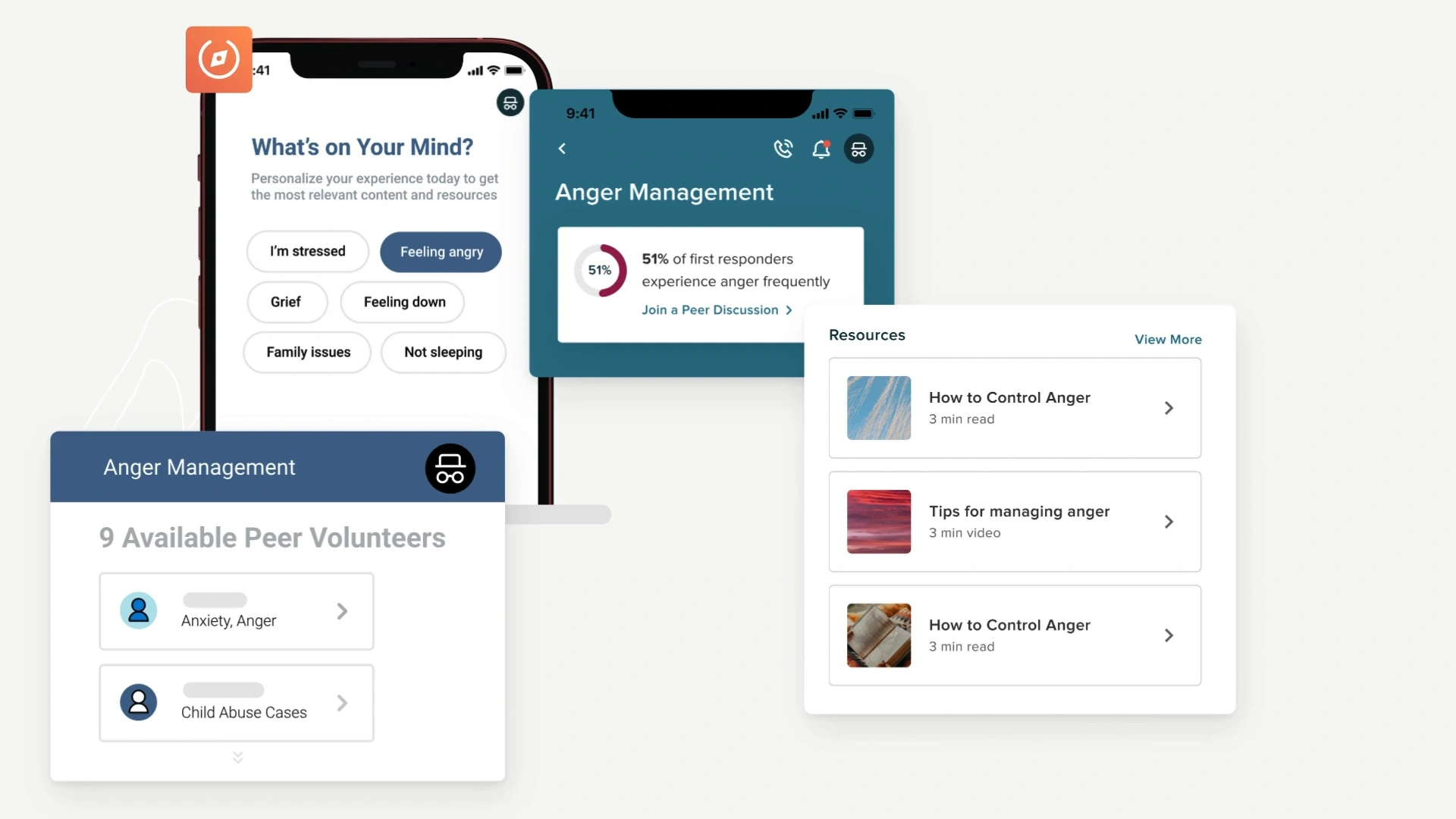
PowerLine by NEOGOV wellness application screens, shown as official product context
Client work · NEOGOV

Connect the interface to the workflow behind it.

For NEOGOV, Xivic contributed wellness administration and workforce scheduling interfaces, along with the endpoints, data and permissions those experiences required.

Read the client story

Wellness and scheduling workflows. Official product image shown for platform context.
Carry design decisions through implementation.

Your product team approves the intended behavior. The handoff includes the agreed design files, component states, content requirements and implementation notes, with review at agreed engineering milestones.

Check whether the task became easier.

Compare completion, time, errors and help needed before and after the change. Use a method suited to the product and available users, including the difficult states that prompted the redesign.

When to start elsewhere

  • User Research & Testing

    If the team has competing explanations for a usability problem, observe the task before choosing a design.

  • Custom Software & Applications

    If the design changes business rules, permissions or integrations, plan the engineering work alongside the interface.

Which part of the product is hardest to use?

Bring the task, interface and any support or research feedback. We will define what to redesign and how to check the implemented experience.