Help people complete the task without learning the department chart.
A resident or business may know what they need without knowing which office owns it. Xivic helps public-facing teams organize service information, forms and contact routes around those tasks, with publishing and accessibility responsibilities built into delivery.
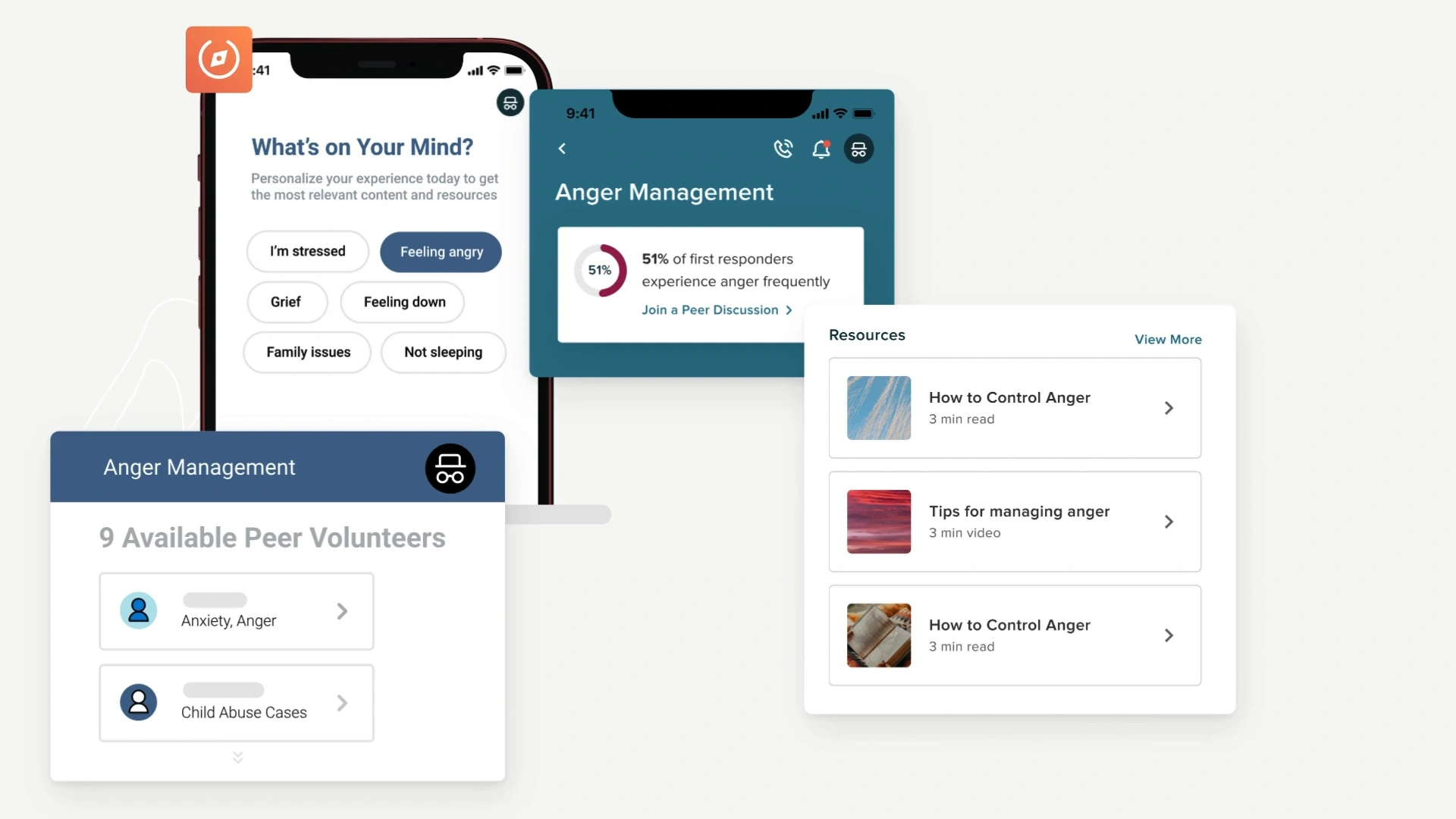
Wellness and scheduling workflows. Product image shown for platform context.
The operating challenge
Can a visitor find the form and know what to bring?
Choose a public task that repeatedly generates calls or incomplete submissions. Trace the instructions, required documents, form and confirmation across every page and external system involved. We simplify that route and create a content structure staff can maintain. Each critical instruction needs an owner and review process; forms and interactions need accessibility testing. Start with a complete task, not a visual redesign of disconnected pages.
Define a useful first release.
Choose one high-volume service and inventory its instructions, required documents, form, confirmation and staff queue. Test it with people unfamiliar with the agency, including keyboard and assistive-technology users. Agree who owns content updates and what happens when a submission fails or is incomplete. Scale the pattern only after visitors can complete the task and staff can act on the resulting record.
Make the public task and the publishing process maintainable.
Public AgenciesRegional Authorities
Organize around public tasks
Use public questions and staff experience to organize navigation around tasks. Keep department ownership available without making it the visitor's starting point.
Improve the public website
Connect service instructions, required documents, forms and confirmation steps. Build accessible page patterns and a process for testing content changes.
Plan a maintainable modernization
Inventory forms, documents, integrations and content owners before choosing an upgrade or migration. Plan redirects and validation around the tasks people still need to complete.
Create reusable service pages and publishing controls with named content owners.
Which public task generates the most repeat questions?
Bring the instructions, form and staff feedback. We will trace the route from a visitor's question to a complete submission or the right service contact.